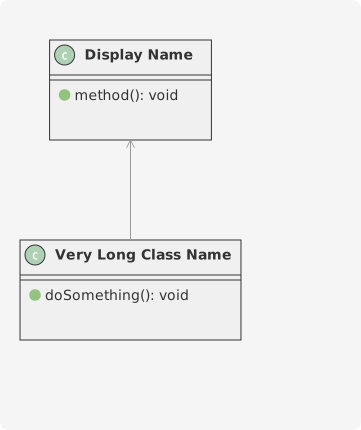
Classes & Interfaces
Classes are the fundamental building blocks of class diagrams. They represent objects in your system with their attributes (fields) and methods (operations).
Basic Classes
Define a class using the class keyword followed by the class name. You can include attributes and methods inside curly braces.
Attributes and Methods
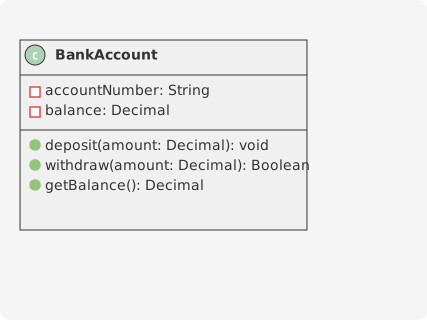
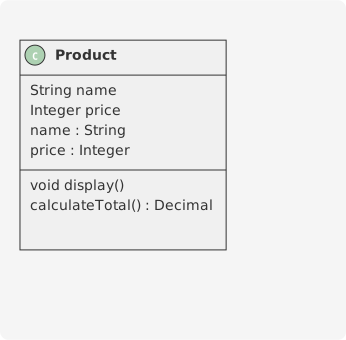
You can define attributes and methods using two syntax styles: simple declarations or with type annotations using colons.
Visibility Modifiers
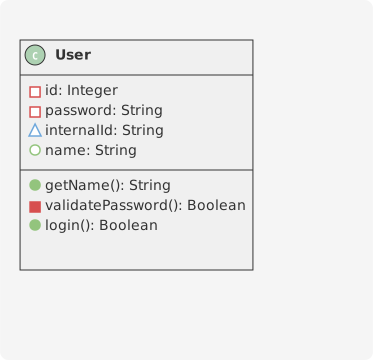
Control access to class members using visibility modifiers. Place the modifier symbol before the member name.
- -Private - Only accessible within the class
- #Protected - Accessible within the class and subclasses
- ~Package - Accessible within the same package
- +Public - Accessible from anywhere
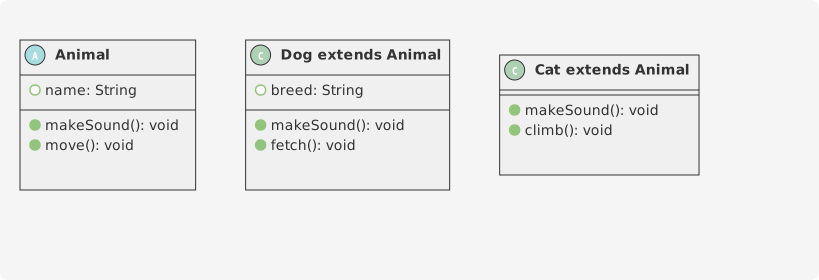
Abstract Classes
Abstract classes cannot be instantiated directly and are used as base classes. Use the abstract class or abstract keyword.
Interfaces
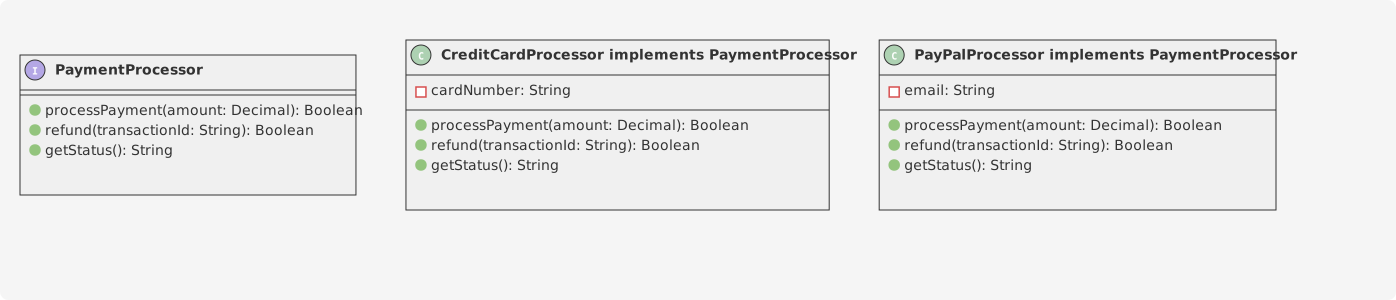
Interfaces define contracts that classes must implement. They contain only method signatures without implementations.
Enumerations
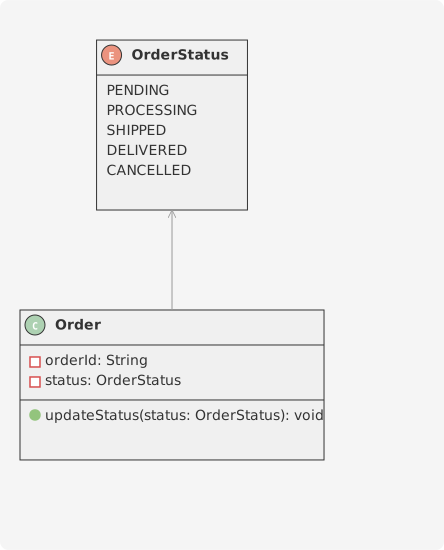
Enumerations represent a fixed set of constants. Use the enum keyword to define them.
Other Class Types
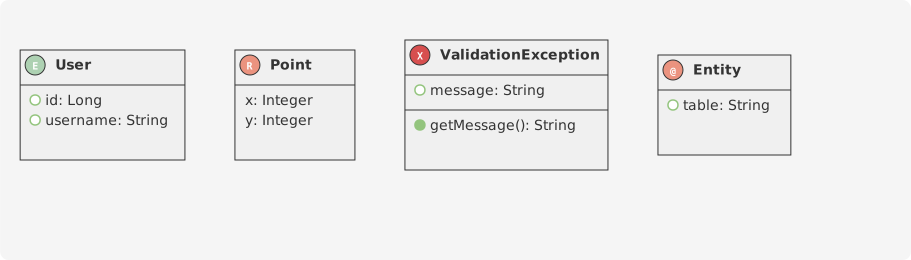
SparkChart supports various other class types for different modeling needs.
Class Aliases
Use the as keyword to create shorter aliases for classes with long names, or to provide display names.