Styling & Skinparams
Change Arrow Color (Inline)
Sequence Diagram Example
Loading...

Change Actor Style
You can change the actor style.
Sequence Diagram Example
Loading...
Styling & Skinparams
You can customize the appearance of diagrams using skinparam commands. Use specific parameters to style participants, actors, notes, and more.
Sequence Diagram Example
Loading...

Common Skinparams
Global
sequenceArrowThicknessroundCornermaxMessageSizemonochrome true/false
Participants & Actors
participantBorderColorparticipantBackgroundColoractorBorderColoractorBackgroundColor
Text Align and Lifeline
Control message alignment, text wrapping, and lifeline style (solid/dashed) using skinparams.
Sequence Diagram Example
Loading...
Message & Line Styling
You can control message text wrapping, alignment, and lifeline style using specific skinparams.
Sequence Diagram Example
Loading...

Styling Parameters
skinparam maxMessageSize <size>Wraps message text if it exceeds the specified width in pixels.
skinparam sequenceMessageAlign left|right|centerAligns message text relative to the arrow.
skinparam lifelineStrategy solid|nosolidSets participant lifelines to be solid or dashed.
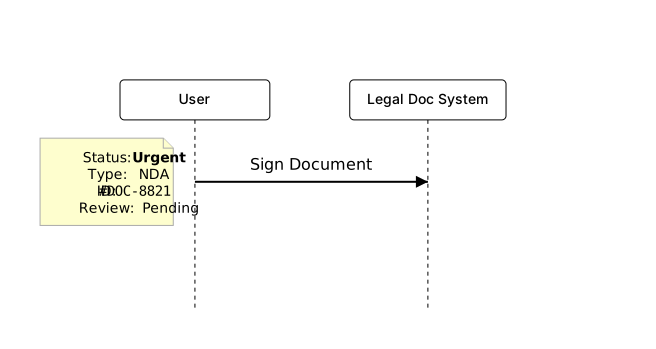
Creole and HTML
You can use Creole formatting for bold, italic, and more.
Sequence Diagram Example
Loading...
Space
Use ||| for spacing.
Sequence Diagram Example
Loading...
