Styling & Notes
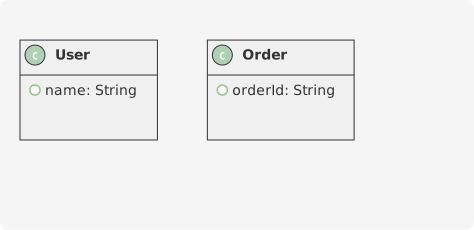
Enhance your class diagrams with custom styling, notes, stereotypes, and annotations to make them more informative and visually appealing.
Stereotypes
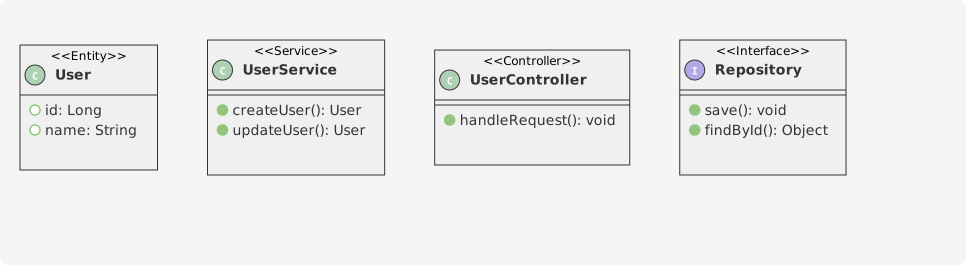
Stereotypes add semantic meaning to classes and relationships. Use double angle brackets << >> to define them.
Colors
Apply colors to classes, packages, and relationships using color names or hex codes.
Notes
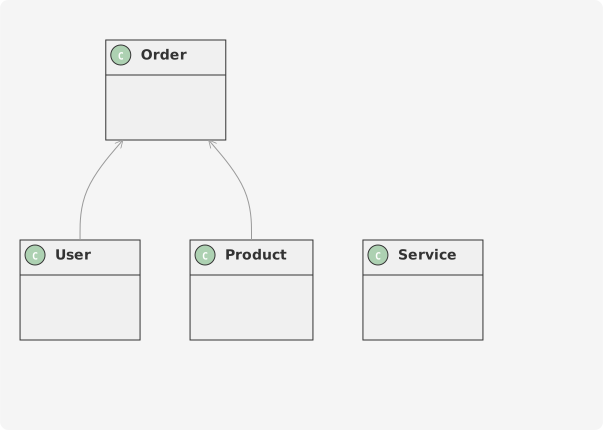
Add notes to provide additional information about classes or relationships.

Note Positions
Position notes relative to classes using directional keywords.
Floating Notes
Create standalone notes that aren't attached to any specific element.
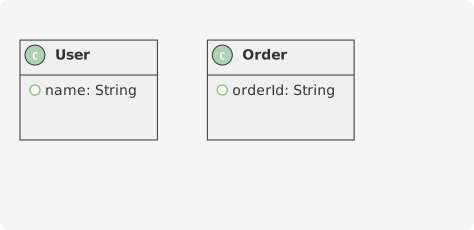
Class Background Colors
Set background colors for individual classes using inline color syntax.
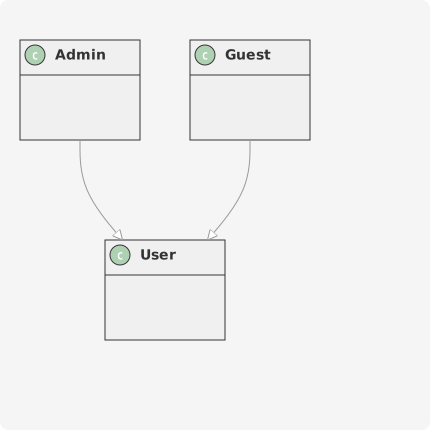
Relationship Colors
Color relationships to highlight important connections or group related relationships.
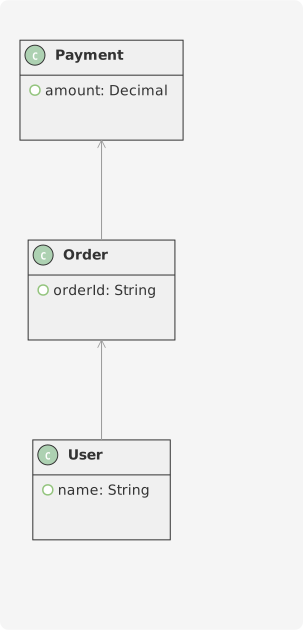
Annotations
Use annotations to add metadata or comments to classes and relationships.
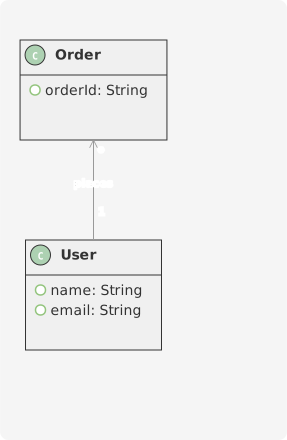
Title, Header, and Footer
Add titles, headers, and footers to your diagrams for documentation purposes.

Legends
Add legends to explain symbols, colors, or conventions used in your diagram.