Syntax & Nodes
Basic Nodes & Termination
The most fundamental elements are start and stop points. You can use start, stop, and end keywords.
You can also use the kill or detach keyword to stop a specific branch without ending the entire diagram.
Simple Connections
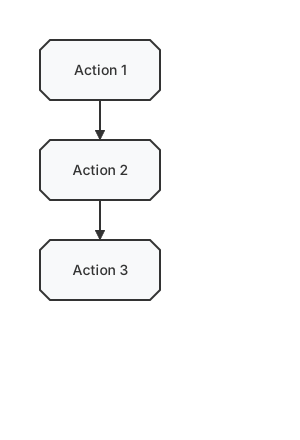
Activities starting with : and ending with ; are implicitly linked in their definition order.
Action Lists
You can define a list of actions using the - shorthand.
Multi-line Actions
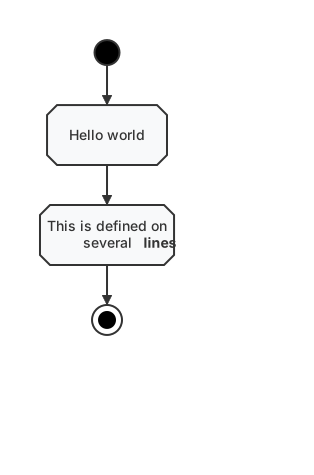
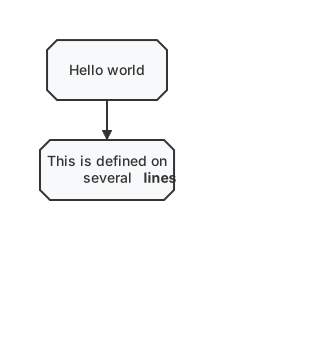
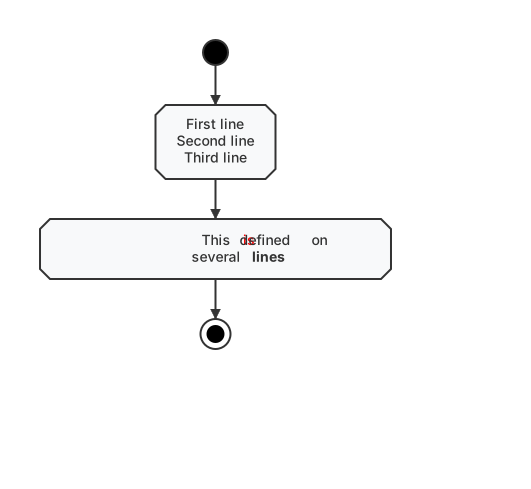
Actions can contain text spanning multiple lines. Detailed formatting like colors and styles is also supported.
Shape Reference
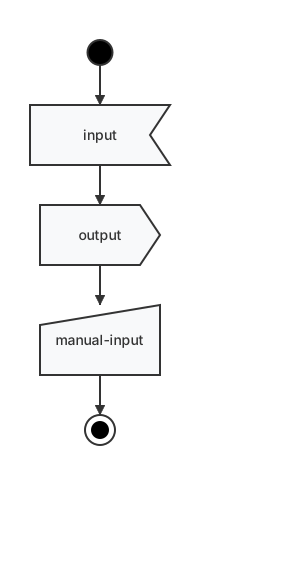
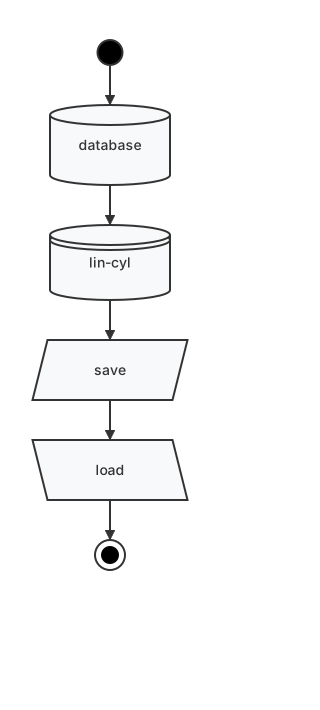
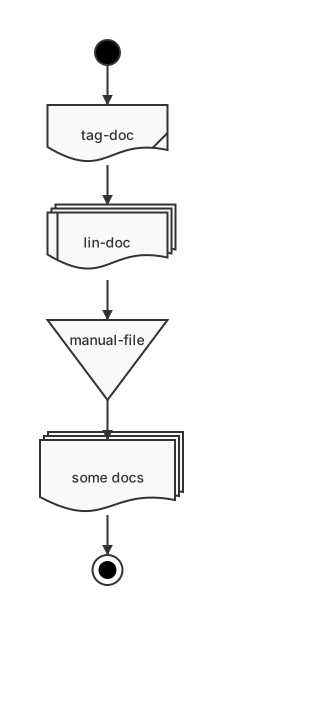
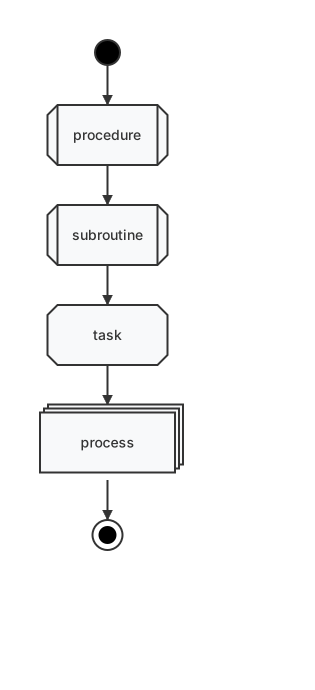
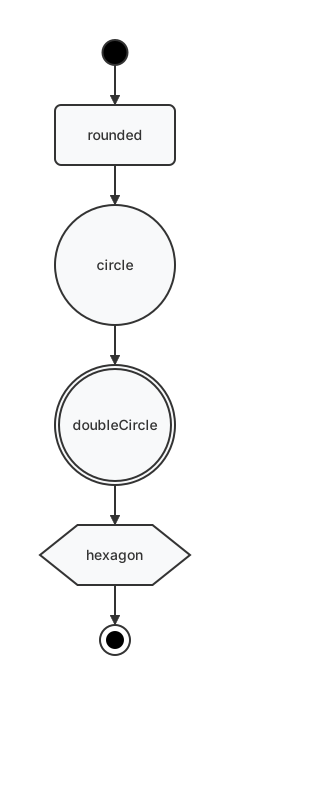
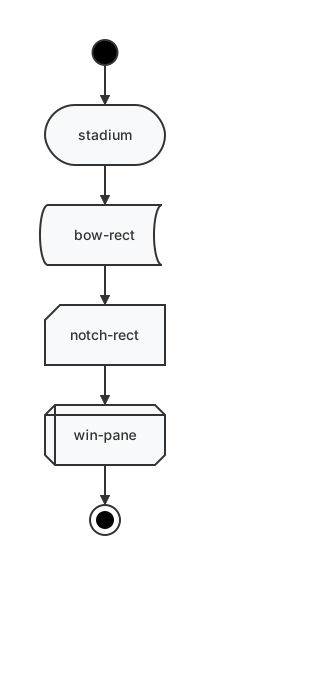
You can change the shape of an action node using stereotypes. Append <<stereotype>> after the action text.
Input / Output
Data & Storage
Documents
Process & Tasks
Geometry & Abstract
Specialized Shapes
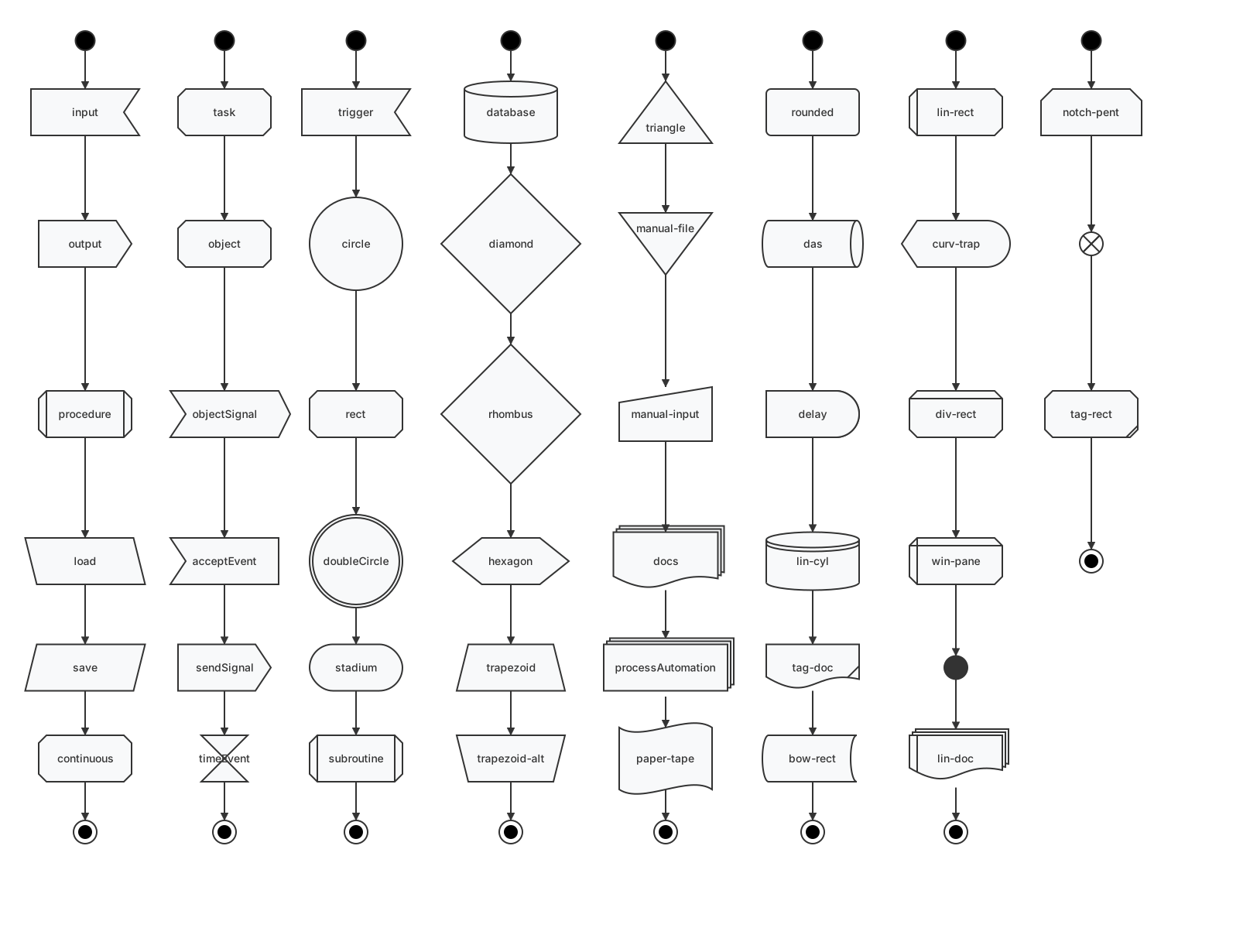
Complete Stereotype Gallery
Below is a gallery of all supported shape stereotypes available in the renderer.
Notes
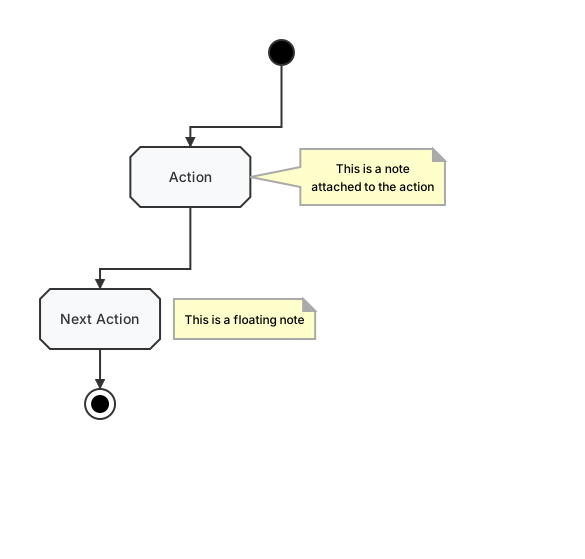
Add notes to your flowchart to provide additional context. Notes can be floating or attached to specific nodes.