Participants & Lifelines
Declaring Participant
You can explicitly declare participants to control their order or assign specific shapes like actor, boundary, control, etc.

You can rename participants using as and change background colors.

Participant Creation
You can create participants dynamically using the create keyword. The participant's lifeline will start at the point of creation.

Shortcut Syntax for Participant Creation
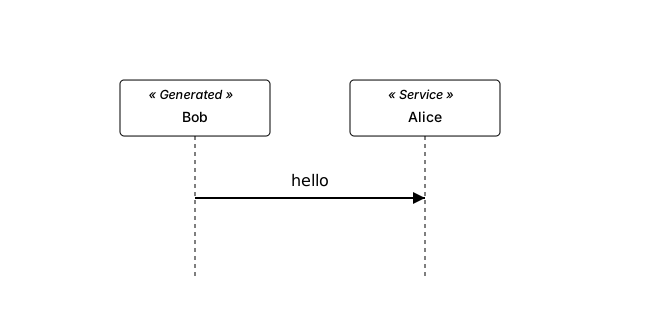
You can create participants immediately upon sending a message using the ** suffix.

This is equivalent to explicitly declaring create Bob followed by the message.
Multiline Definition
You can define participants on multiple lines to include titles, subtitles, or other formatted text.

This format allows for richer participant descriptions.
Use Non-letters in Participants
Use quotes to define participants with non-letter characters.

Stereotypes and Spots
You can add stereotypes to participants using << ... >> syntax. Stereotypes add semantic meaning or classification to your participants.
You can also add a "spot" — a colored circle with a character — by including (C,color) syntax inside the stereotype.
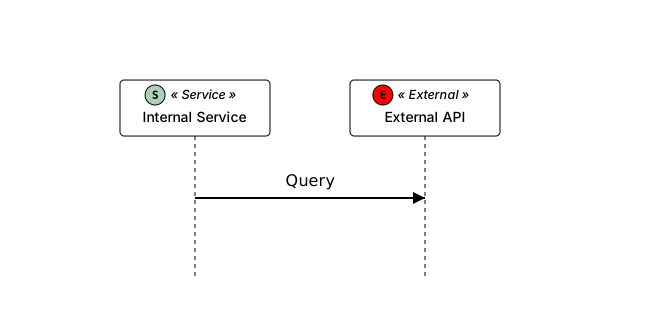
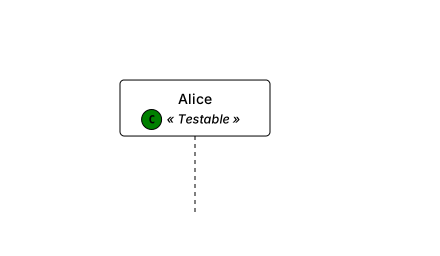
By default, stereotypes appear above the name. You can position them below using skinparam stereotypePosition bottom.
Hide Unlinked Participants
Use hide unlinked to automatically hide participants that do not have any messages sent to or from them.
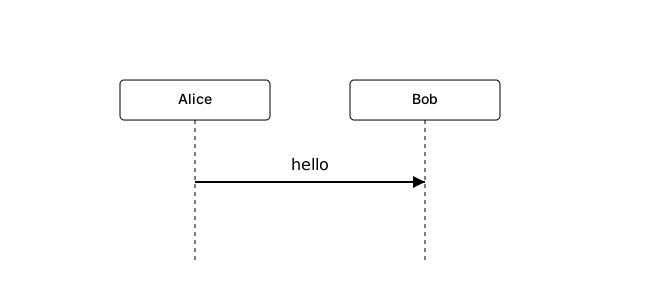
In this example, Charlie will not be displayed because he is not involved in any interactions.
Participants Encompass (Box)
Draw a box around participants to group them visually.
