Actions & Flow
Actions are the fundamental building blocks of activity diagrams. They represent activities or tasks that are performed in your workflow.
Simple Actions
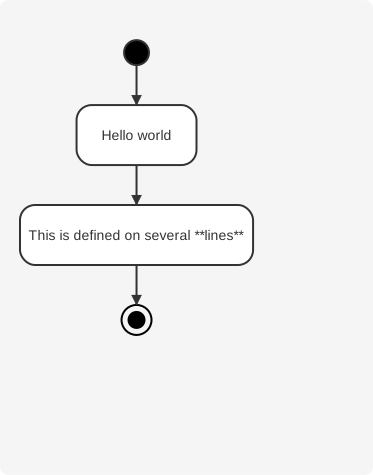
Actions start with : and must end with ;. Text formatting within the label can be done using creole wiki syntax. Actions are implicitly linked in the order they are defined.
Start, Stop, and End Nodes
Use start to denote the beginning of a diagram, and stop or end to mark the end.
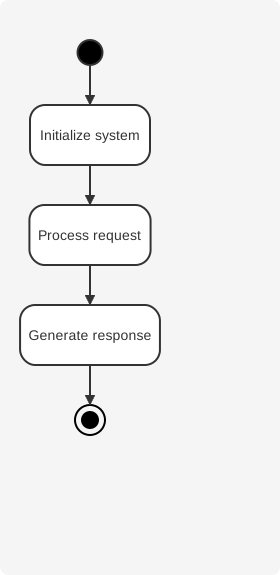
Both stop and end keywords can be used to terminate the activity flow. They are functionally equivalent.
Action Lists
Actions can be defined as simple lists separated by specific characters for hierarchical organization.
Dash-Separated Actions
Star-Separated Actions
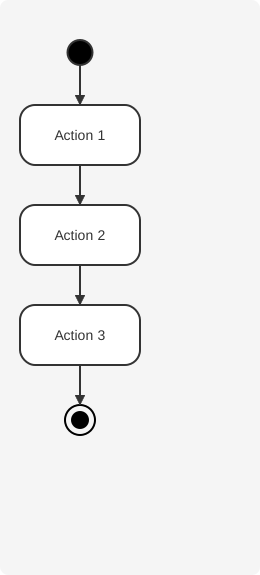
Star-separated actions support hierarchical levels using multiple stars.
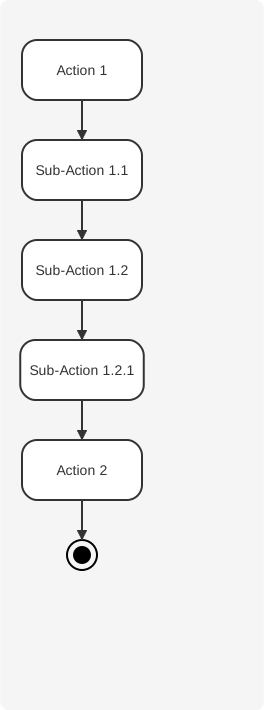
Multiline Actions
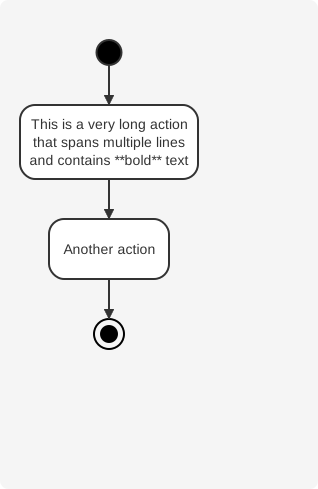
Actions can span multiple lines. The text will be automatically wrapped and formatted.
Implicit Flow
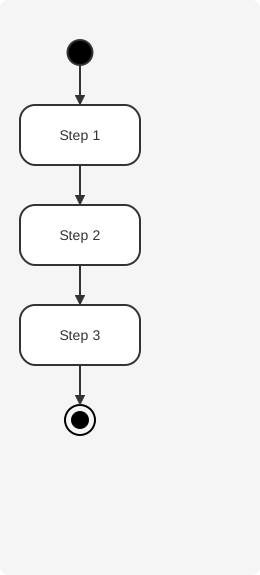
Actions defined sequentially are automatically connected in order. You don't need to explicitly draw arrows between consecutive actions.
Stereotypes
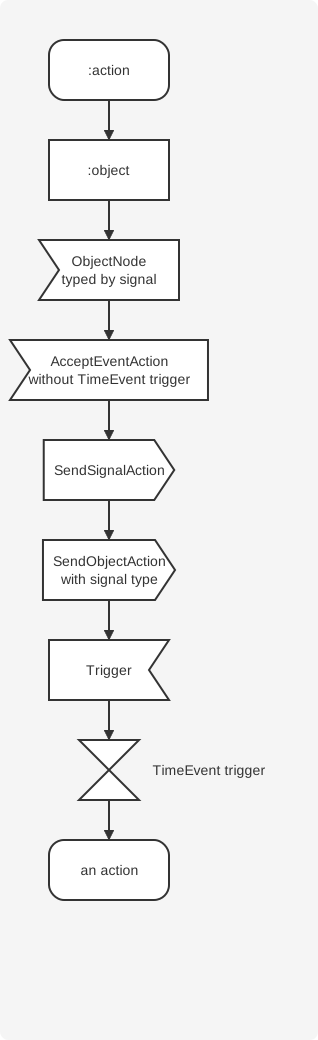
You can use standard UML stereotypes to change the appearance of action nodes. Supported stereotypes include <<object>>, <<sendSignal>>, <<acceptEvent>>, <<timeEvent>>, and more.