Flow Control
Activity diagrams support various flow control structures to model complex workflows, including conditionals, loops, switches, and parallel processing.
Conditionals (if/then/else)
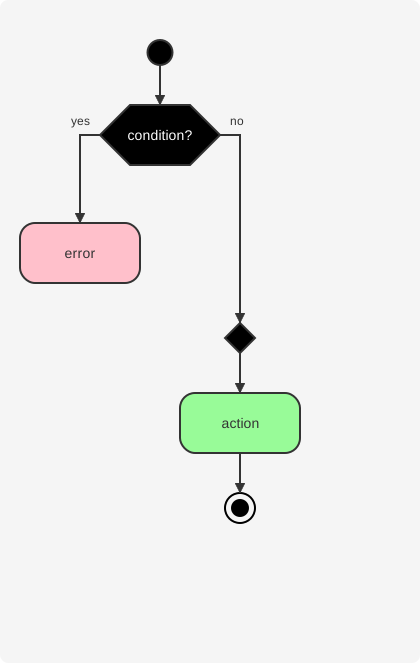
Use if, then, else, and endif keywords to add conditional logic to your diagrams.
Multiple Conditions (elseif)
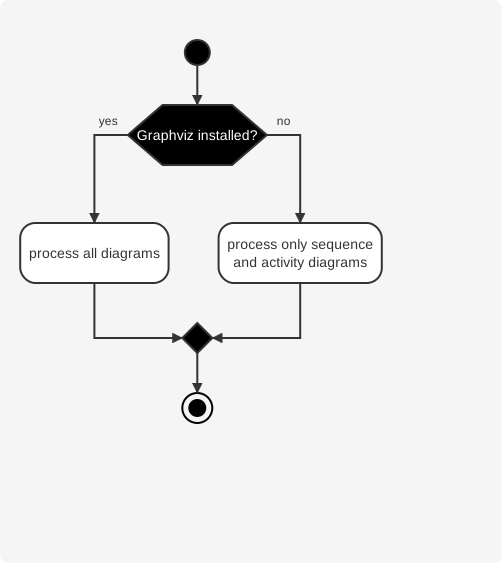
Use elseif to handle multiple conditions.
Switch and Case
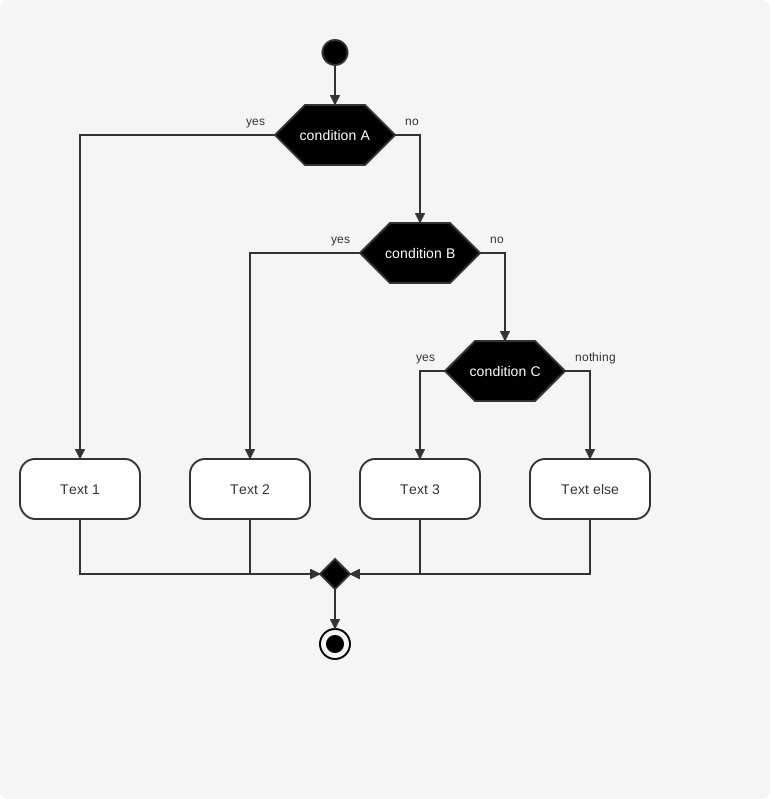
Use switch, case, and endswitch to handle multiple alternative paths based on a value.
Repeat Loops
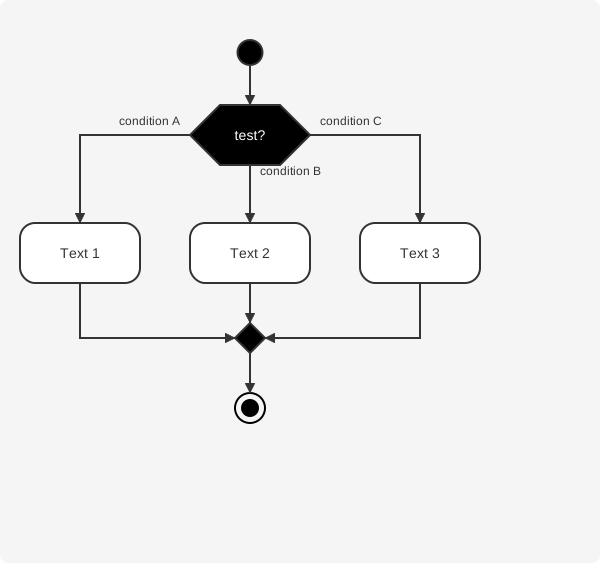
Use repeat and repeat while to create loops that execute until a condition is met.
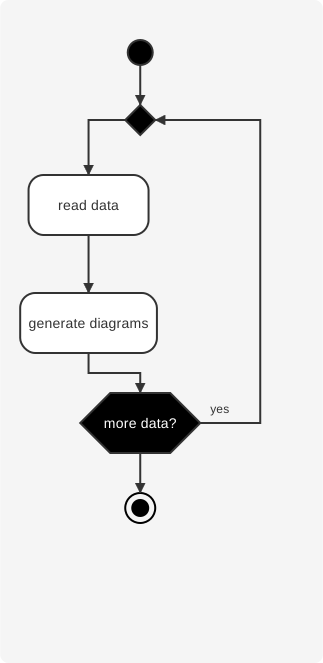
Backward Actions
Use backward to add an action in the return path of a loop.
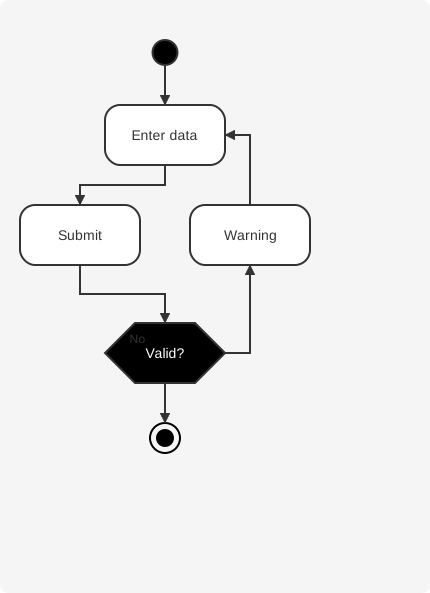
While Loops
Use while and endwhile to create loops that execute while a condition is true.
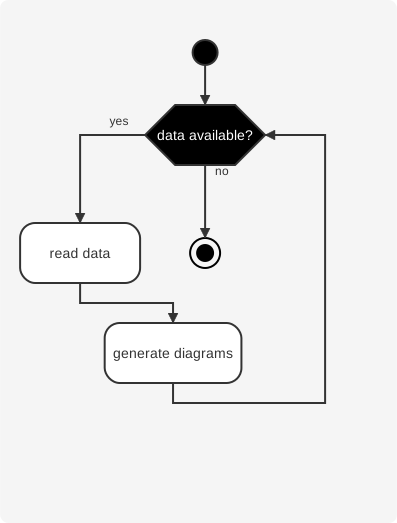
Parallel Processing
Use fork, fork again, and end fork or end merge to represent parallel execution paths.
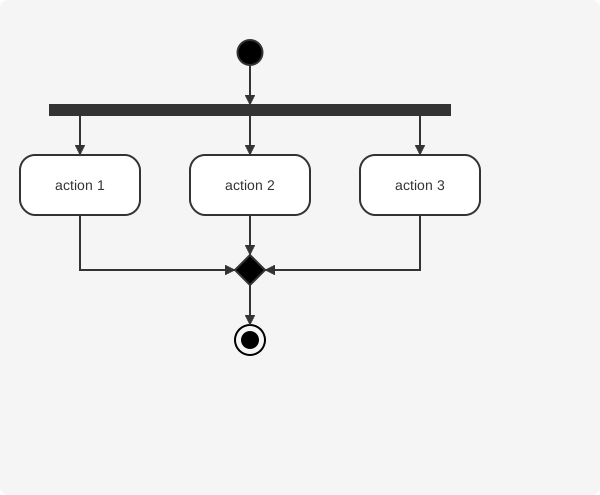
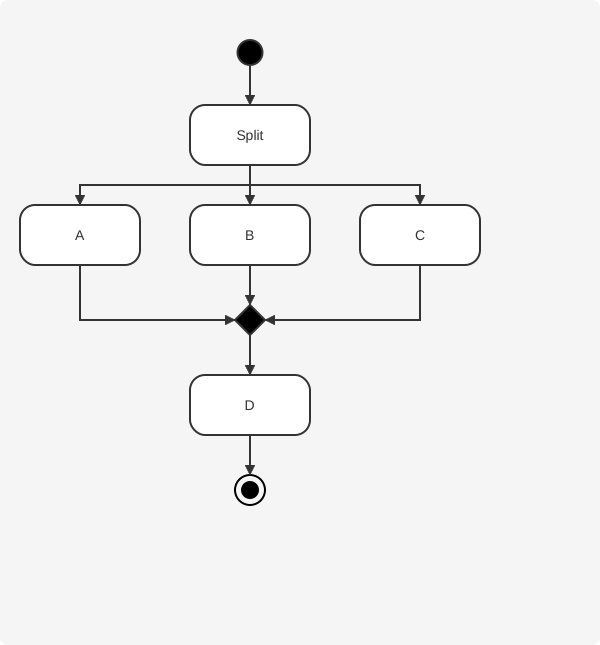
Split Processing
Use split, split again, and end split to create multiple alternative paths.
Kill and Detach
Use kill or detach to terminate a branch without merging.