Activity Diagram Syntax
Activity diagrams visualize workflows, business processes, and the flow of control in a system. SparkChart supports PlantUML syntax, making it easy to create professional activity diagrams from simple text.
Basic Examples
The simplest activity diagram consists of actions connected by flow arrows. Actions are represented as rounded rectangles.
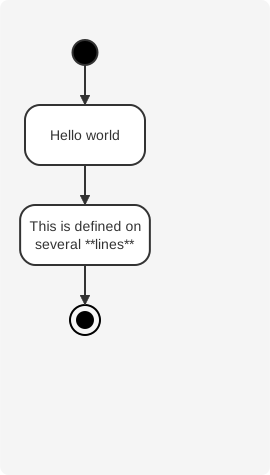
Actions and Flow
Actions are the basic building blocks of activity diagrams. They start with : and end with ;. Actions are implicitly linked in the order they are defined.
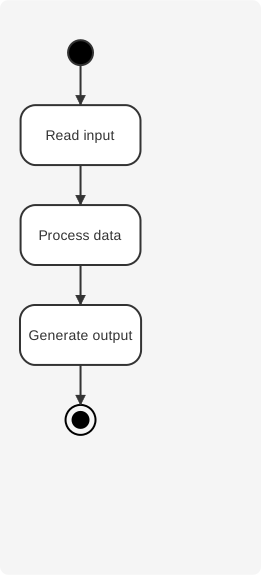
Flow Control
Activity diagrams support various flow control structures including conditionals, loops, and parallel processing.
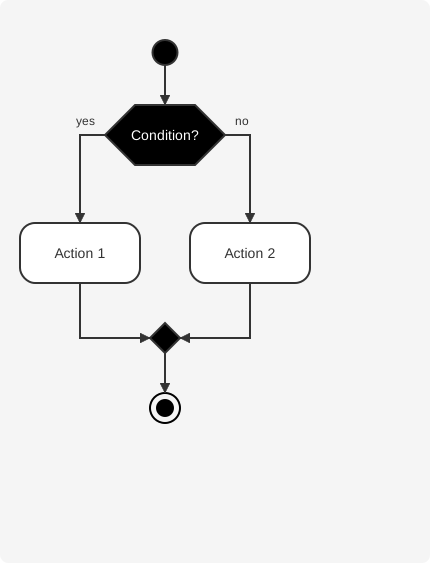
Loops
Use repeat and while keywords to create loops in your activity diagrams.
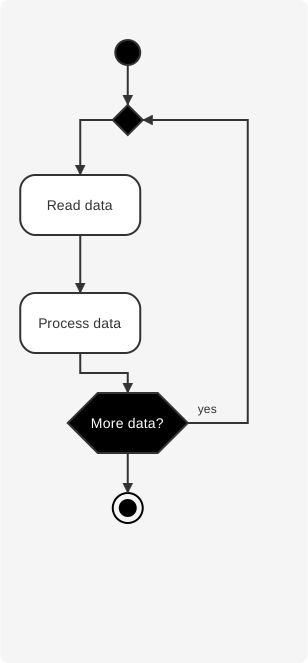
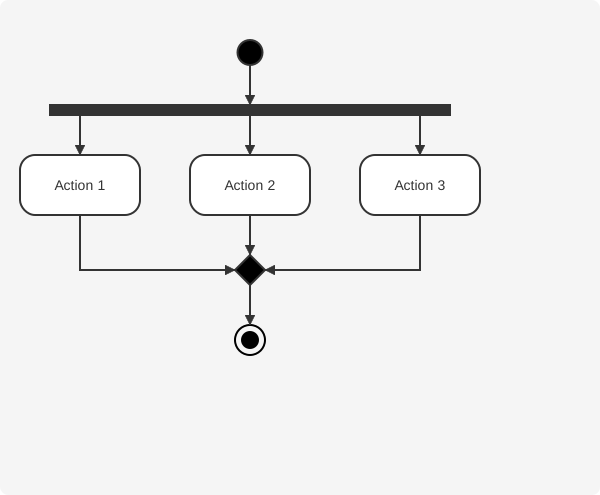
Parallel Processing
Use fork and fork again to represent parallel execution paths.
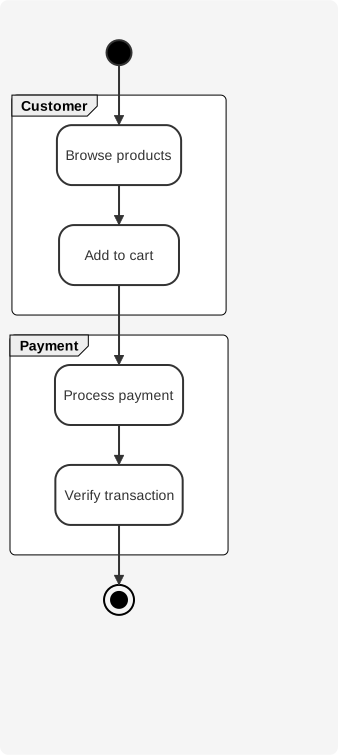
Partitions
Group related activities together using partitions to organize your diagram by responsibility or organizational unit.
Learn More
Explore the detailed guides for advanced activity diagram features:
- Actions & Flow - Defining actions, start/stop nodes, and basic flow.
- Flow Control - Conditionals, loops, switches, and parallel processing.
- Styling & Notes - Customizing colors, fonts, partitions, and adding notes.